Database
A connection can have several databases. Use the database list to switch between them, or to create, rename, and drop databases.
Switch database
To show the databases in the current connection, click the Database button in the toolbar, or press ⌘ + K (Connection > Open a Database...).
- Type in the search field to find a database.
- Select a database and click Open, or double-click it.
- Right-click a database and choose Open in new Tab or Open in current Tab, or Copy name to copy its name.
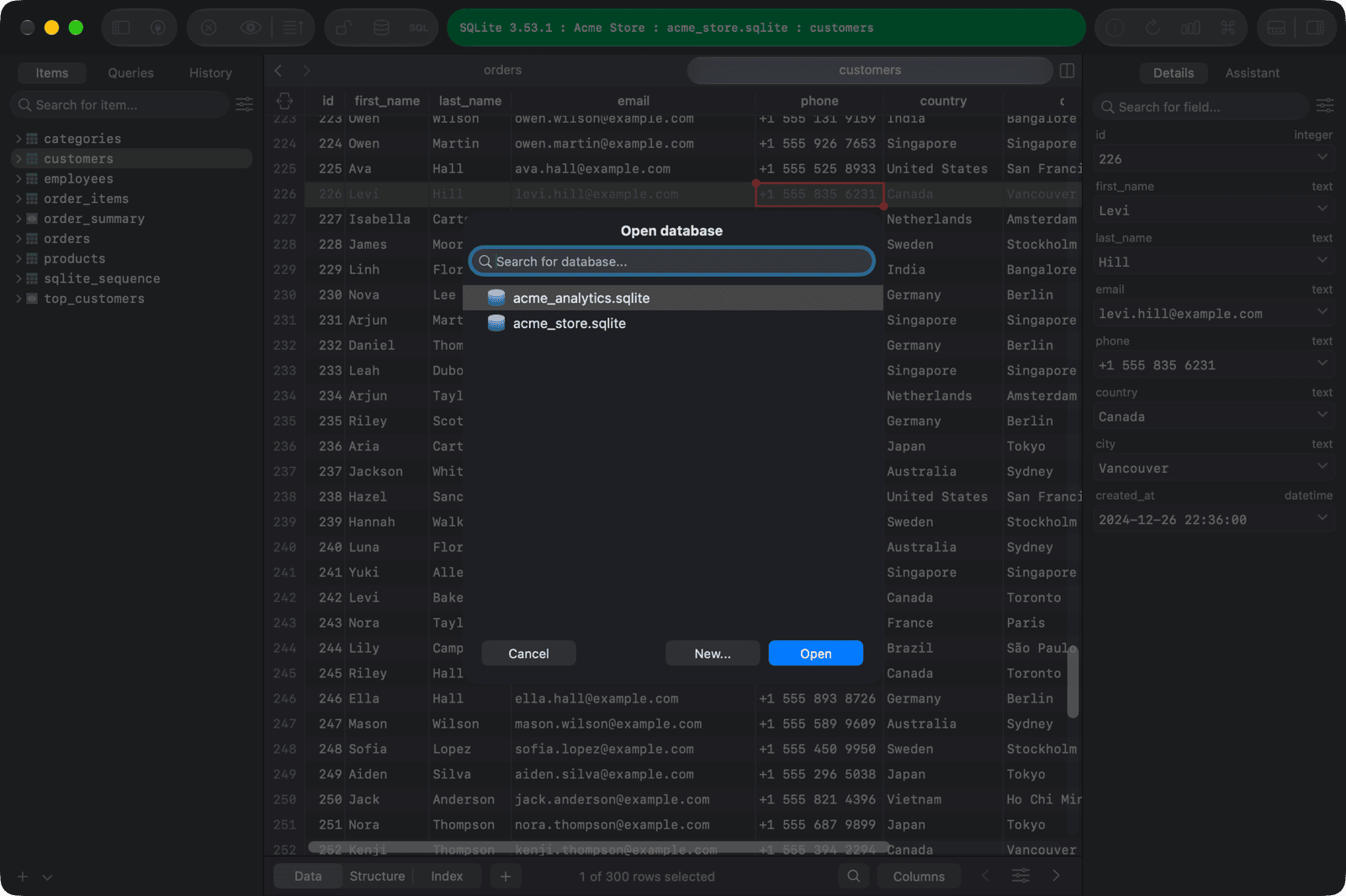
For SQLite, the database list shows the SQLite files (
.sqlite,.sqlite3,.db) in the same folder as the connection's file.
New database
To create a new database in the current connection:
- Open the database list (
⌘ + K). - Click New..., or right-click and choose New....
- Enter the name, and choose the encoding and collation if your database supports them.
- Click OK.
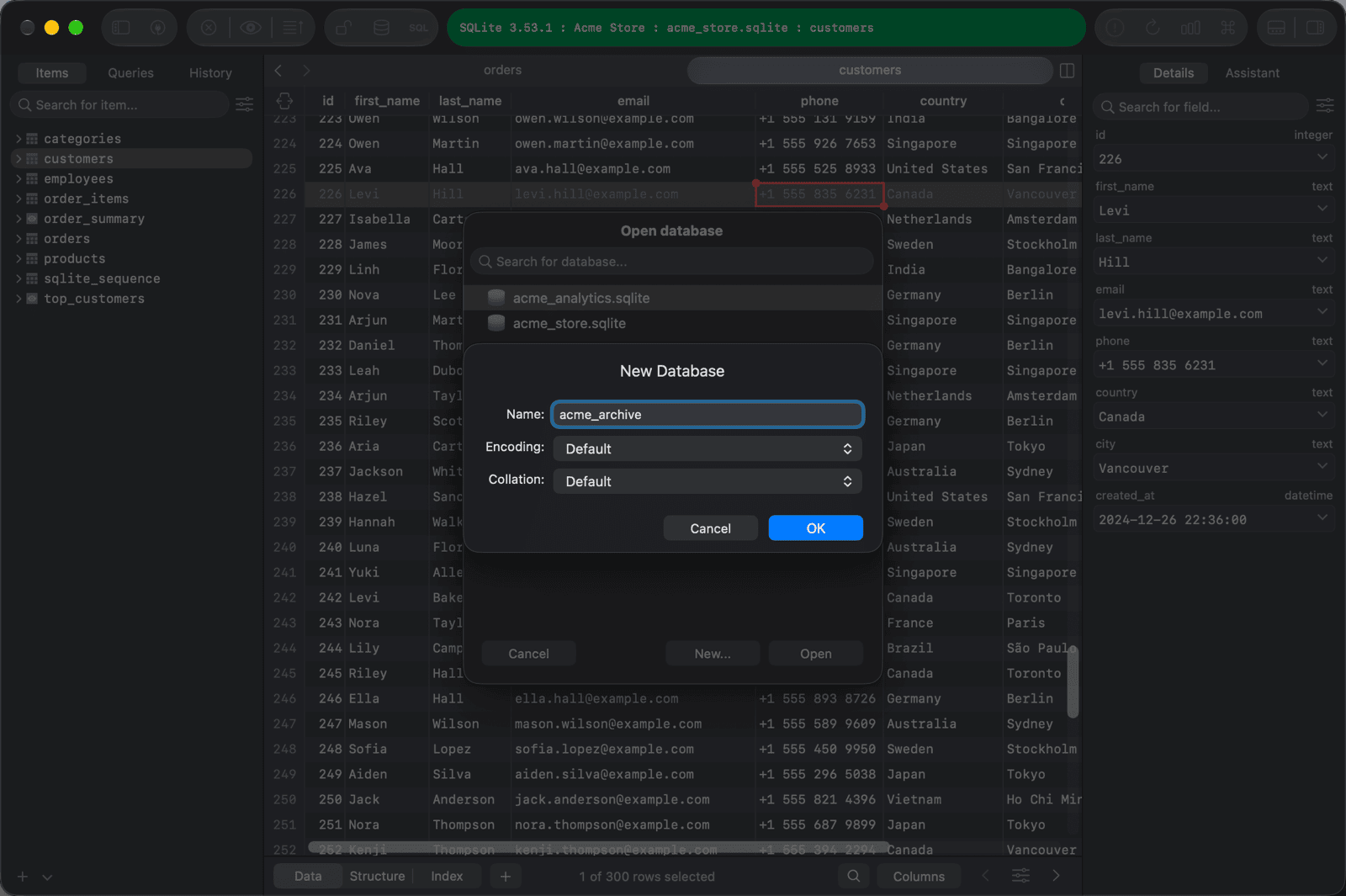
For SQLite, TablePlus creates an empty <name>.sqlite3 file in the same folder as the connection's file.
Rename database
Renaming is only available when the database system supports it. TablePlus can't rename MySQL, MariaDB, Redis, or Cassandra databases.
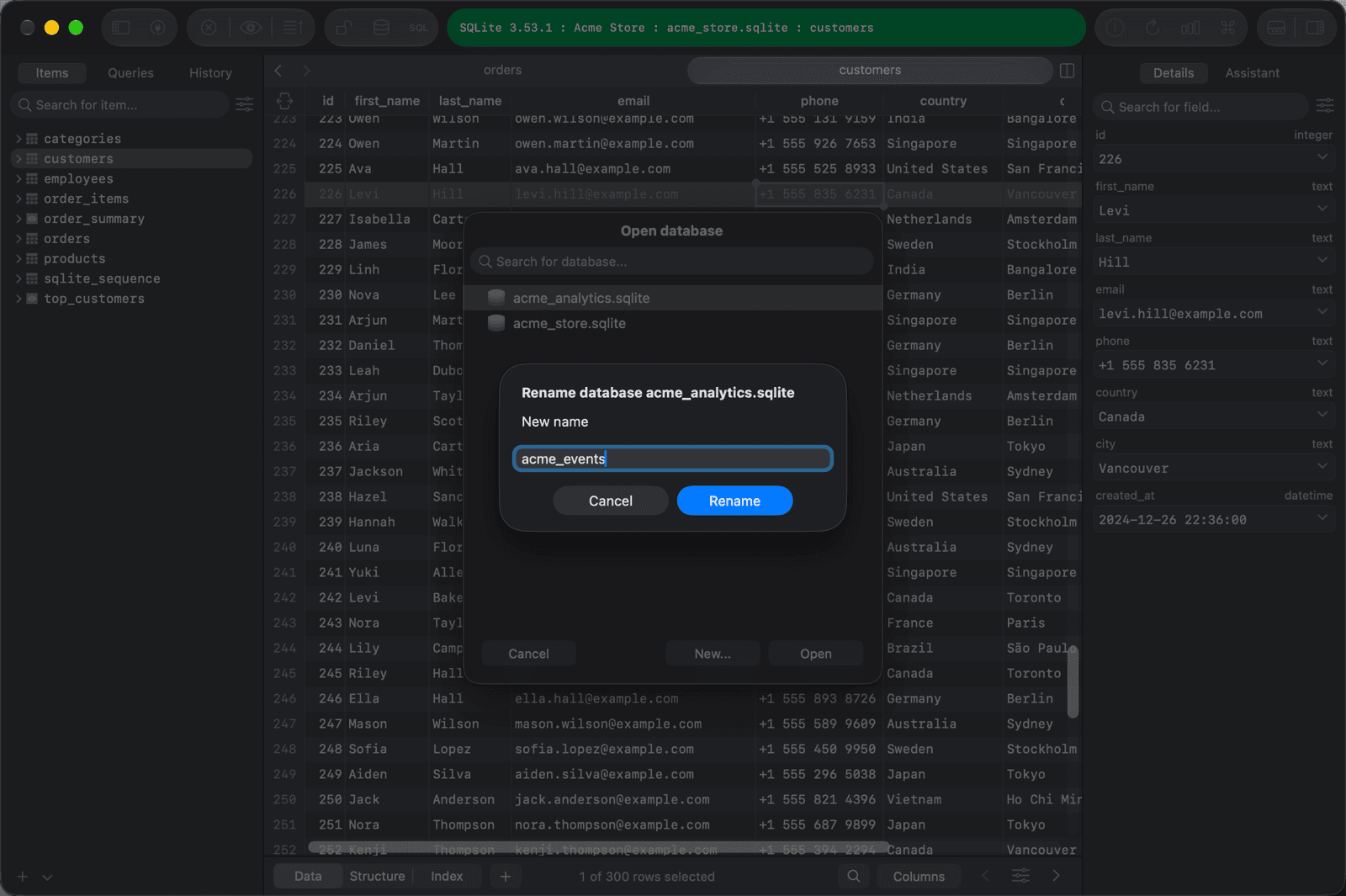
To rename a database in the current connection:
- Open the database list (
⌘ + K). - Right-click the database and choose Rename....
- Enter the new name and click Rename.
You can't rename the database that is currently open. Switch to another database first.
Drop database
To drop a database in the current connection:
- Open the database list (
⌘ + K). - Right-click the database and choose Drop....
- Type the database name to confirm, then click Drop.
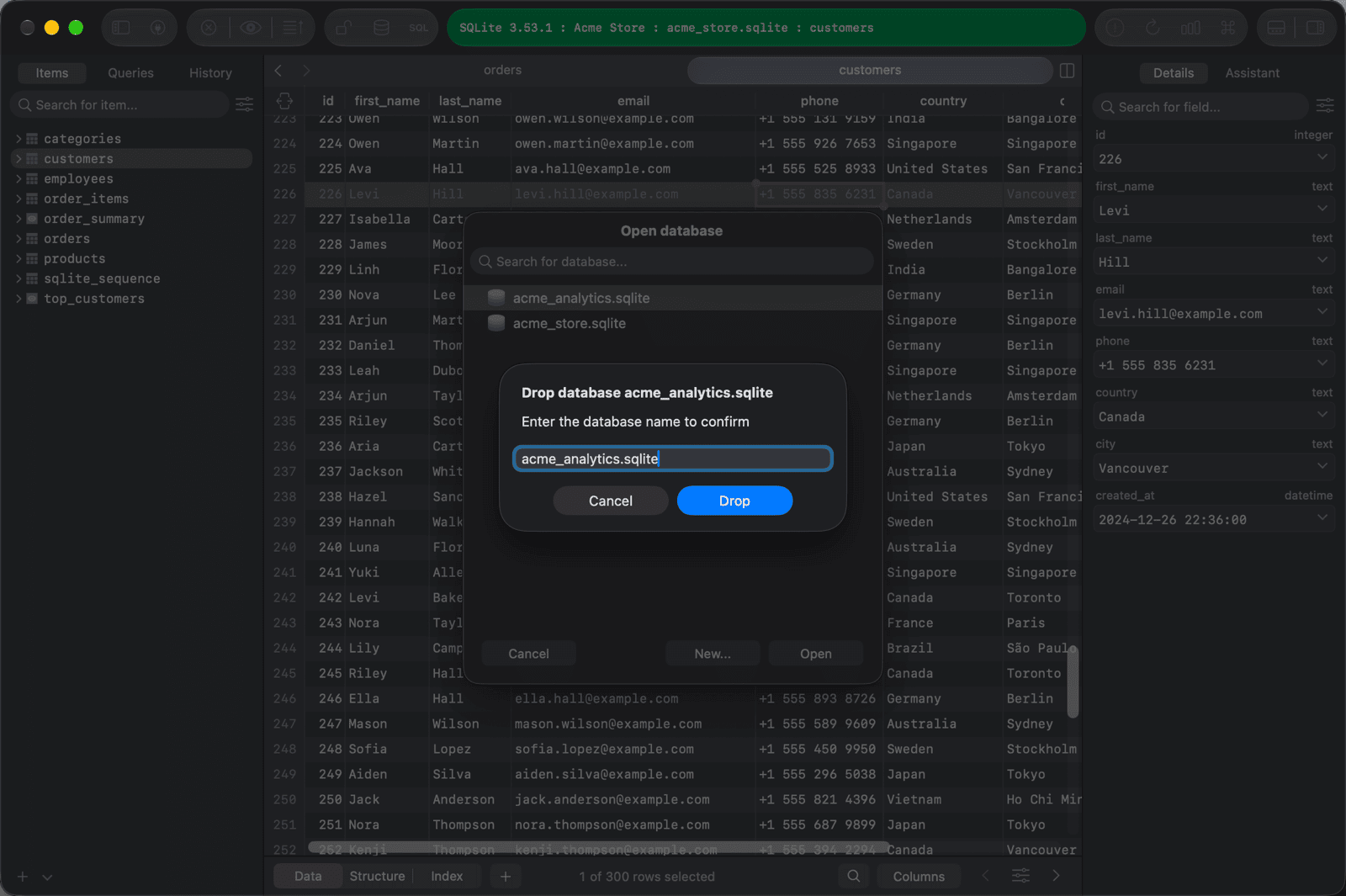
For SQLite, dropping a database deletes its file. You can't drop the database that is currently open; switch to another database first.
If the connection uses Safe mode, TablePlus warns you or asks for your password before renaming or dropping a database.