Keymap
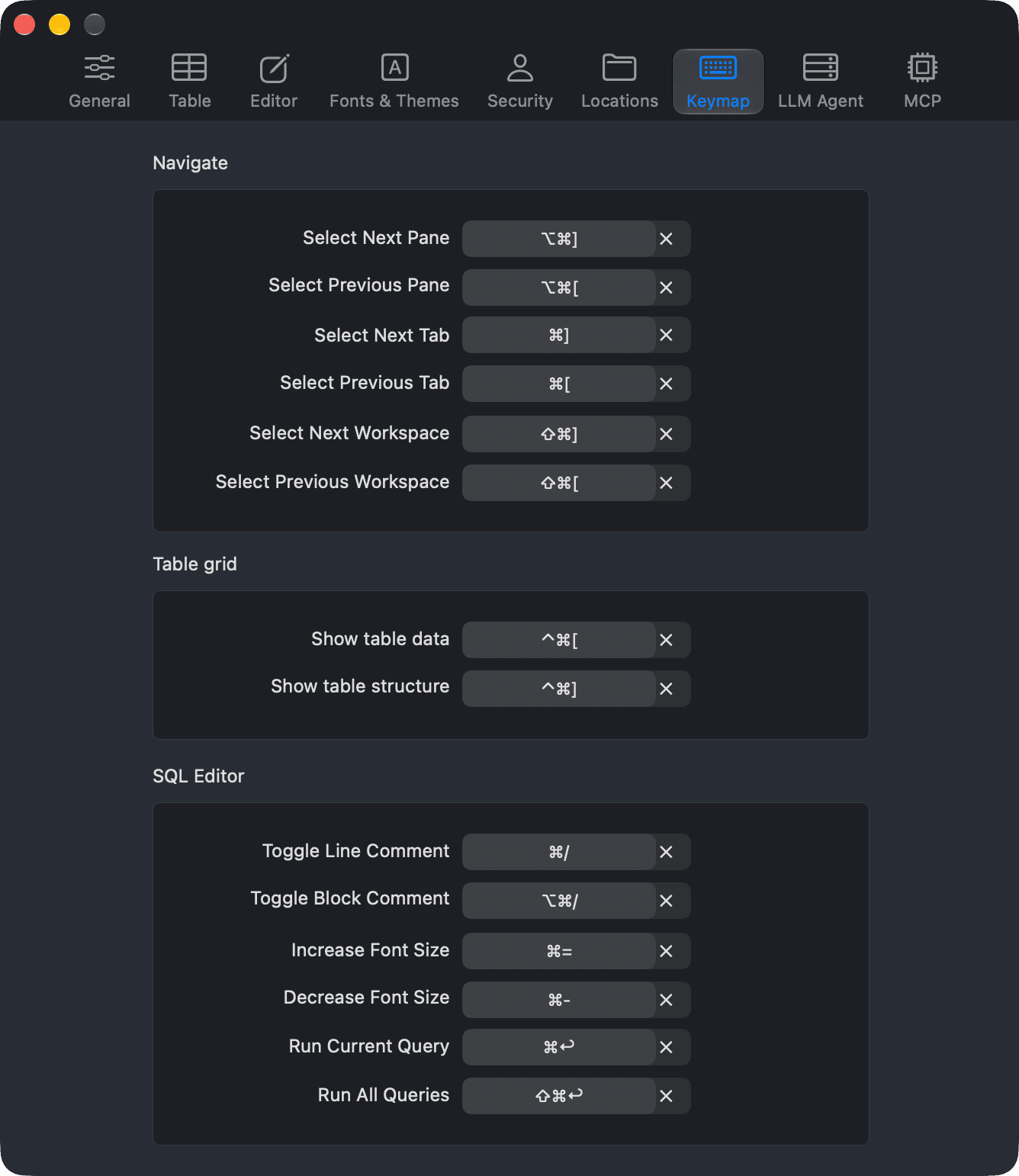
The Keymap tab of the Preferences window (⌘ + ,) lets you change the shortcut keys of common actions.1
To change a shortcut:
- Click the shortcut field next to the action.
- Press the new key combination.
To remove your custom shortcut and go back to the default, click the clear button in the shortcut field.
Navigate
| Action | Default shortcut |
|---|---|
| Select Next Pane | ⌥ + ⌘ + ] |
| Select Previous Pane | ⌥ + ⌘ + [ |
| Select Next Tab | ⌘ + ] |
| Select Previous Tab | ⌘ + [ |
| Select Next Workspace | ⌘ + Shift + ] |
| Select Previous Workspace | ⌘ + Shift + [ |
Table grid
| Action | Default shortcut |
|---|---|
| Show table data | ⌃ + ⌘ + [ |
| Show table structure | ⌃ + ⌘ + ] |
SQL Editor
| Action | Default shortcut |
|---|---|
| Toggle Line Comment | ⌘ + / |
| Toggle Block Comment | ⌥ + ⌘ + / |
| Increase Font Size | ⌘ + = |
| Decrease Font Size | ⌘ + - |
| Run Current Query | ⌘ + Return |
| Run All Queries | ⌘ + Shift + Return |
For the full list of shortcuts, see Shortcut Keys.
-
On Windows and Linux, use
Ctrl + ,. ↩︎