Multiple Carets
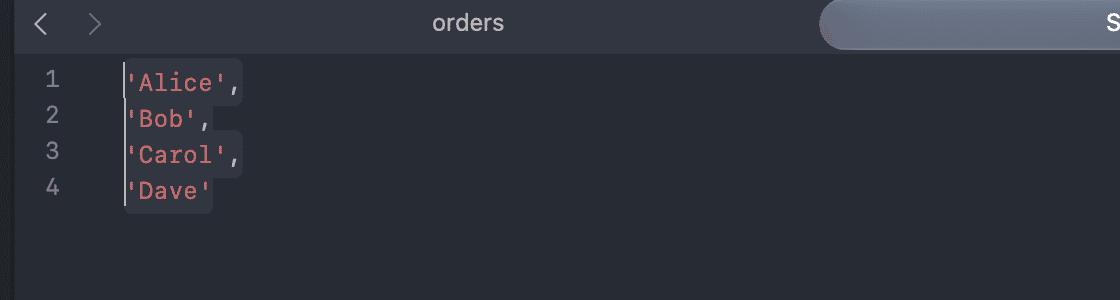
The SQL editor supports multiple carets (cursors), like most code editors. Everything you type, delete or paste applies at every caret at once.
Add carets at any position
Hold ⌘ and click where you want another caret. ⌘ + Click on an existing caret removes it.
Add carets on the next or previous line
Press ⌃ + Shift + ↓ to add a caret on the line below, or ⌃ + Shift + ↑ to add one on the line above.
To select a rectangular block of text instead, hold ⌥ and drag.
Select the next occurrence
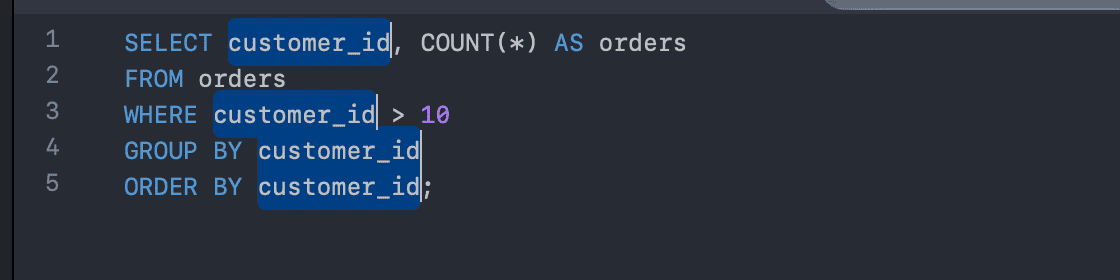
Press ⌘ + D to select the next occurrence of the current selection and add a caret there. Press it again to add the following one.
If nothing is selected, the first ⌘ + D selects the word under the caret.
Select all occurrences
Press ⌃ + ⌘ + G to select all occurrences of the current selection (or of the word under the caret) at once. This is also in the menu Edit > Select all Words.
Go back to a single caret
Press Esc.